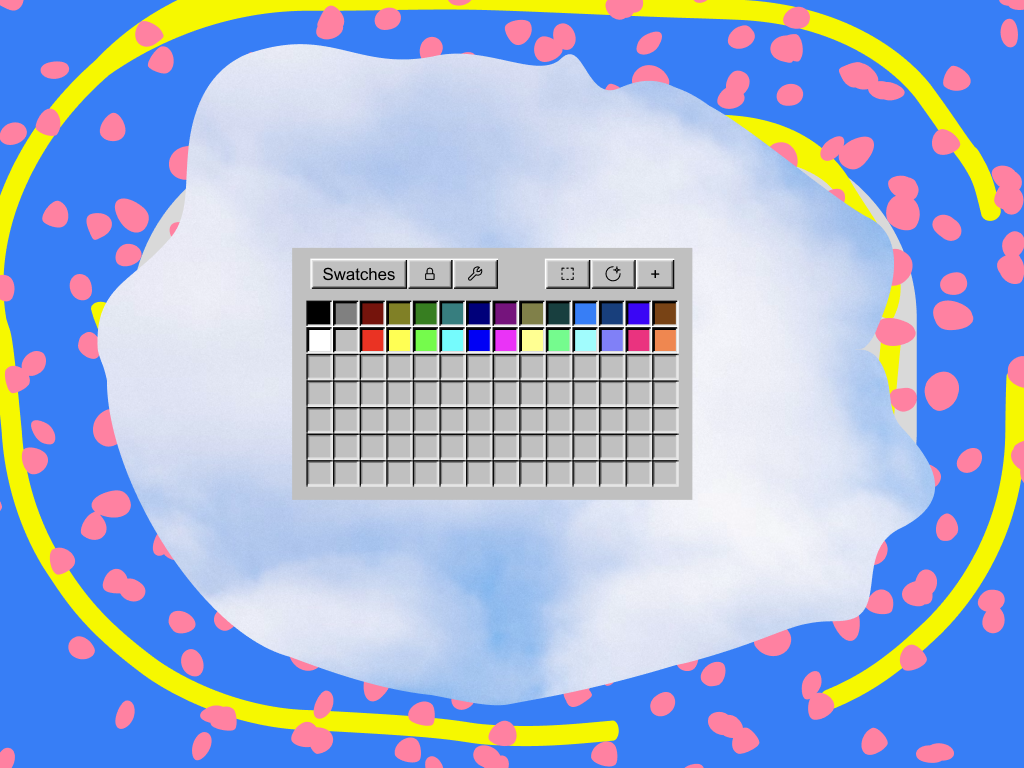
- Download and open the ZXP Installer
- Navigate to the After Effects tab
- Drag and drop into the ZXP installer.
- Wait for installation to complete
- Relaunch After Effects and you're all set!
Having trouble installing? Try installing manually
Having trouble installing? Try installing manually
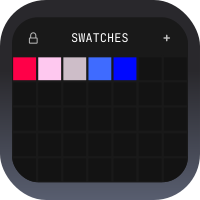
You will need to buy a license to unlock Swatches in After Effects