I use (and made) Swatches to manage colors in my projects. It's like an infinite canvas to store and organize colors. When working with other designers I can quickly share color palettes with them, or create new palettes based on their designs. It's a huge time saver and helps me keep my projects organized.
Overlord 2
From Battle AxeI use Overlord all the time to move graphics between Figma and After Effects. It’s one of the most popular tools out there, so if you haven’t heard of it yet this is your time.
I use Skew Pro very often in combination with Kangaroo to create satisfying staggered animations. It makes offsetting keyframes super easy and fast, and saves me a lot of time when creating staggered animations.

I use TypeArray to quickly animate words or letters without having to break the text layers into multiple parts. It does the job great and saves me a lot of time.
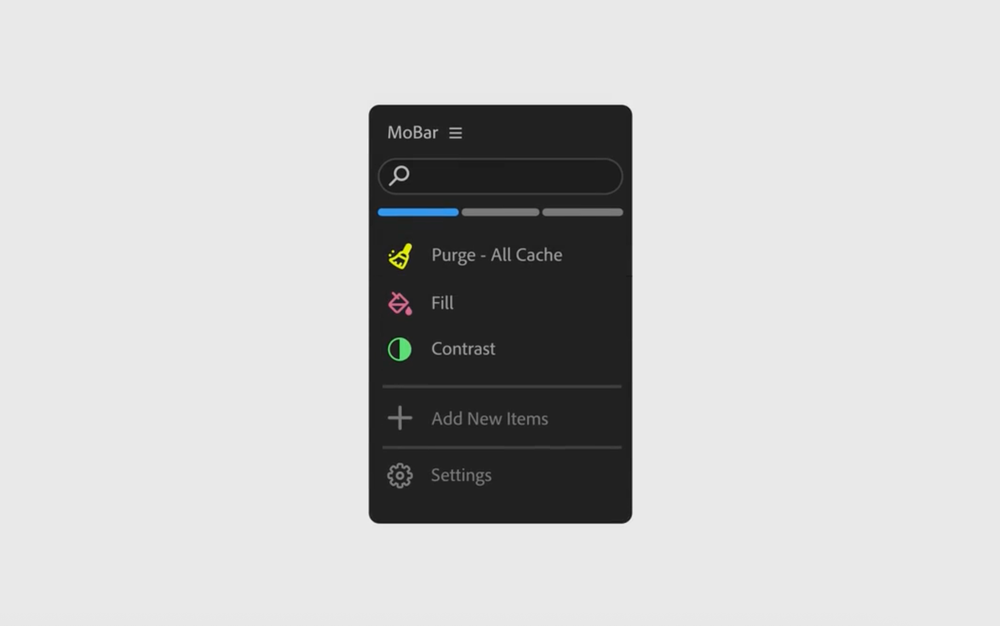
A nice tool to save screen-space by creating links to scripts, extensions and other panels in After Effects.
If you have ever seen an infographic where an airplane is traveling along a path to its destination, or a GPS signal is traveling down the road, this is the perfect tool for those kinds of things. It lets you attach a layer to a path and animate it along it.
Ease Copy
From Mike OverbeckI use Ease Copy to quickly steal easing from one set of keyframes to another. It’s a huge time saver when trying to match the timing and easing of different animations. Highly recommended!
I use Kangaroo to quickly create rows, columns or grids of items.It is very much like “duplicate with transforms” from figma or illustrator, but instead of just transforms it works with anything.It’s really fun and easy to use!
FX Console
From Andrew KramerWho doesn't love FX Console? It's the Apple Spotlight Search for After Effects. It's super fast to open and search for effects. Let's take this moment to pray for the return of Andrew Kramer to the After Effects community 🙏.
Mouse Pack
From AE ScreensWow what a great tool for product demos, screenshots and tutorials.It lets you quickly add a mouse cursor to your comp and change it over time.Mouse clicks included!
Noodle
From me, Good Boy NinjaI use it all the time to make things move in response to existing keyframes. It’s a super quick way to add life to your animation!
Anubis
From Battle AxeSimply the fastest way to render. One button exports, I never open the Render Queue anymore.
Colors
From me, Good Boy NinjaI use Colors all the time to create, reuse and apply colors in a project, so I don’t have to eyeball the brand guidelines or constantly search and color pick colors from other parts of the comp. It really helps creating consistency across a project.
Wiggle
From me, Good Boy NinjaWiggle saves me from writing the wiggle expression over and over again, and it can even create a looping wiggle for you (handy for creating perfect loops for social media!). It displays a live preview of what your end result will look like so you don't have to guess those expression values 20 times to get it right.
I love using FreqReact to make elements react to audio. It's a super intuitive way to translate audio frequencies into motion of all kinds.
Know a great After Effects plugin?
If you know a great After Effects plugin that is not on this list, please let me know by contacting me. I am always looking to discover new tools and share them with the community