NEW!
A Wave of Nostalgia Hits After Effects!
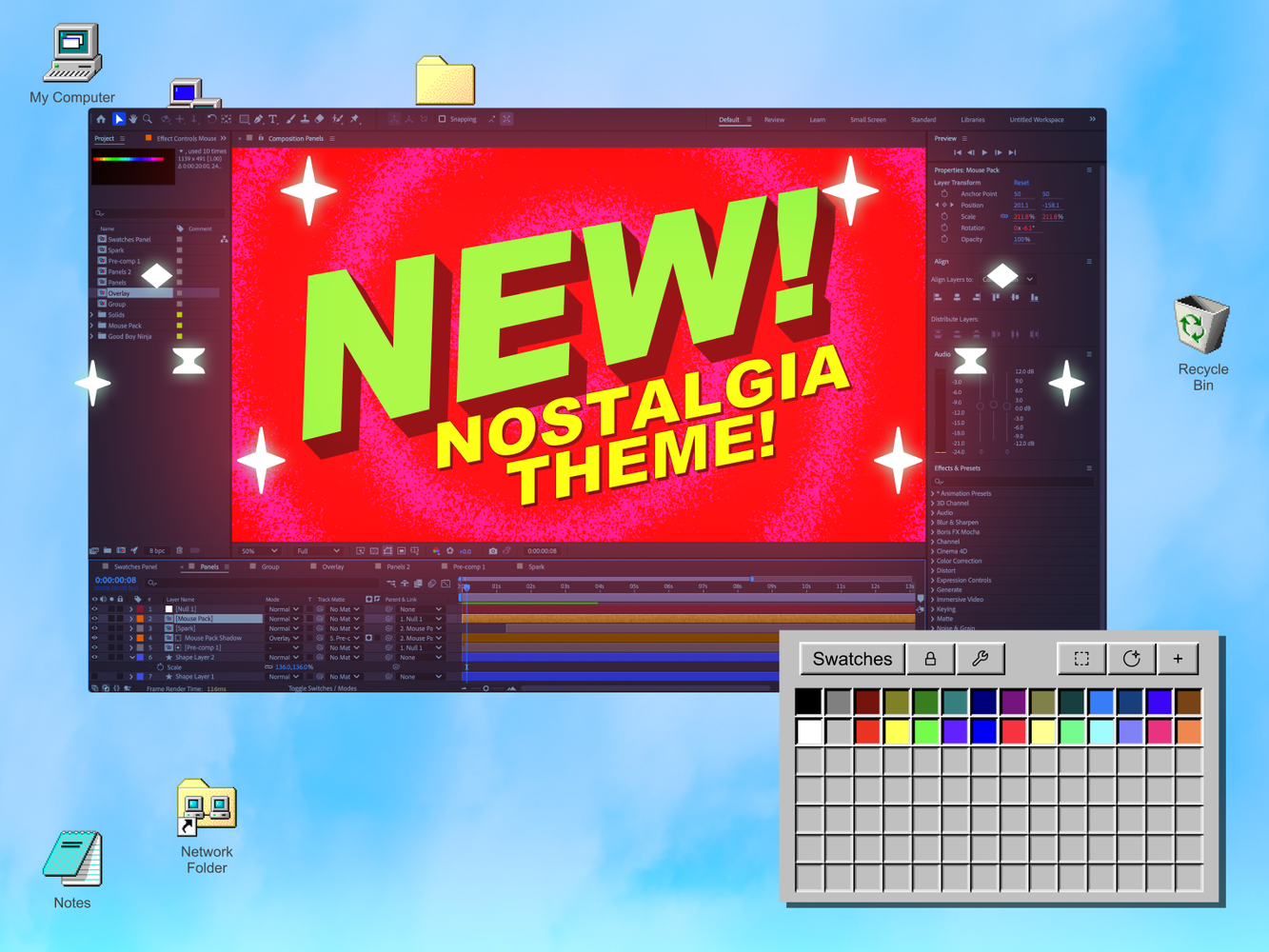
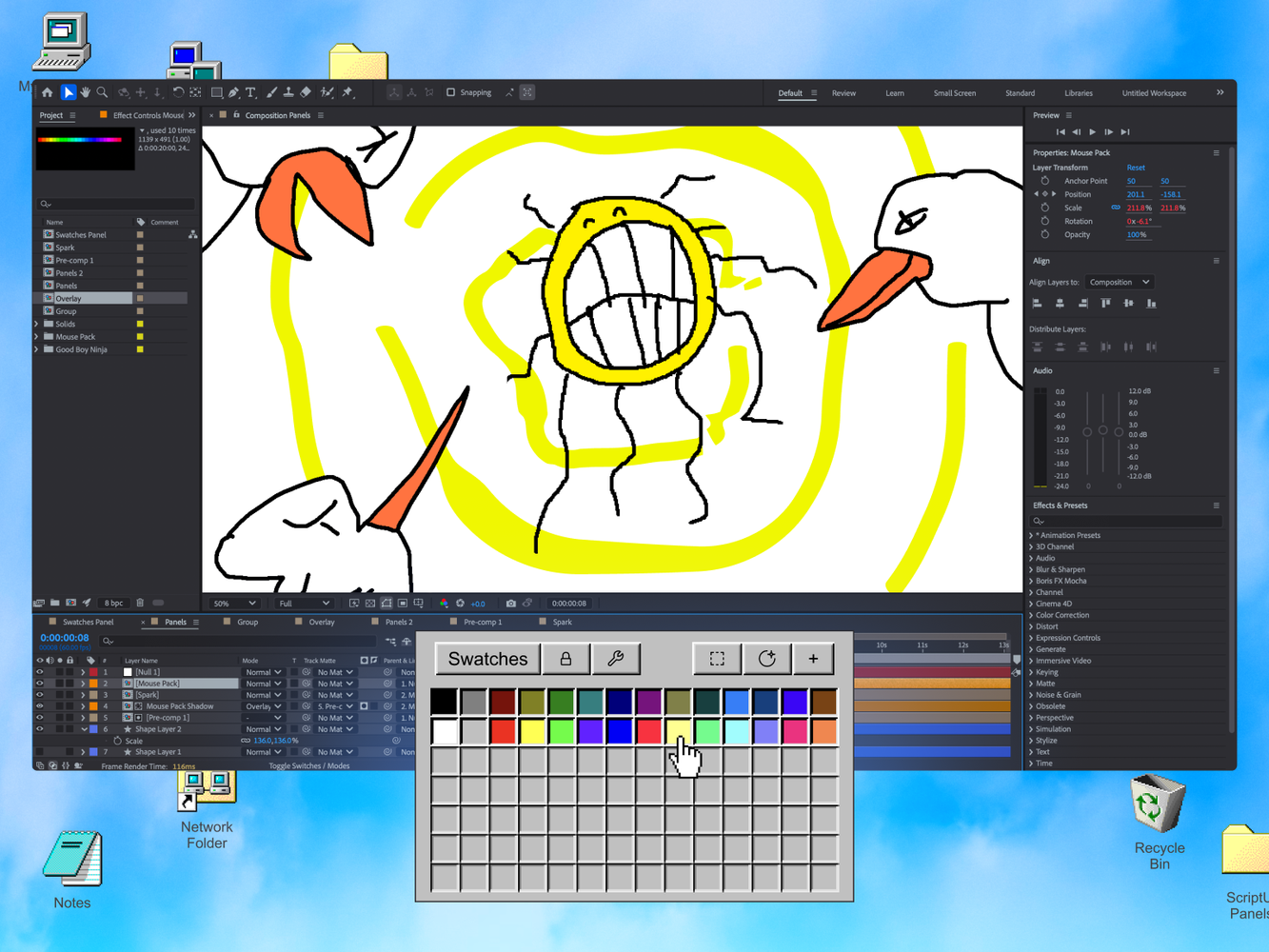
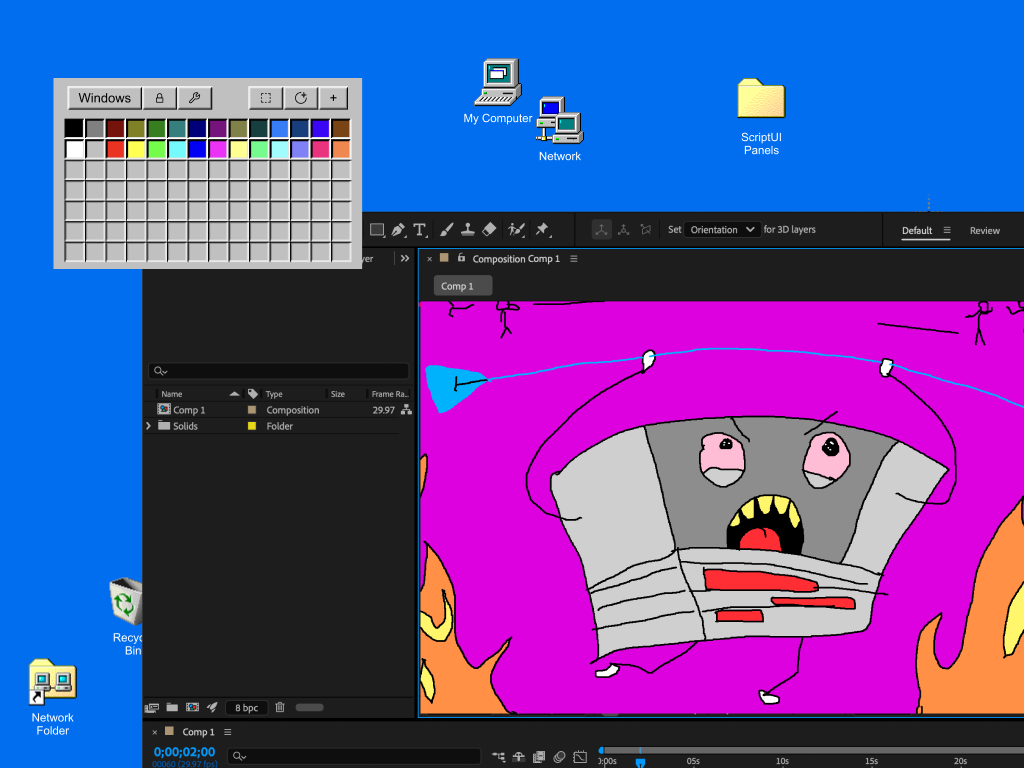
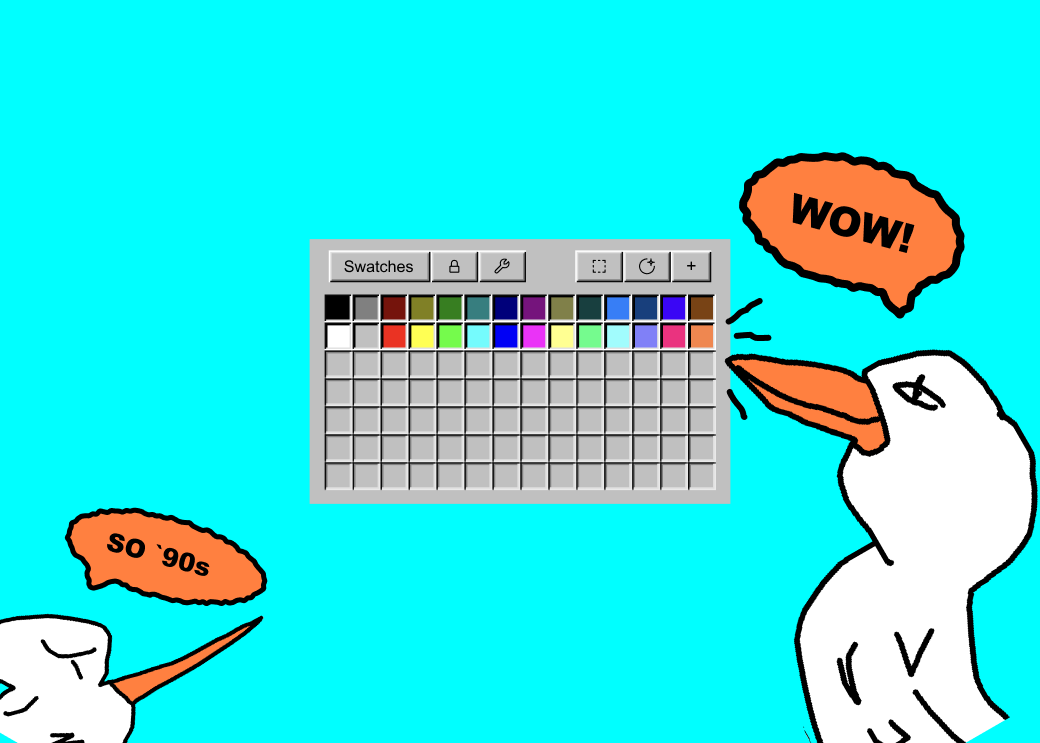
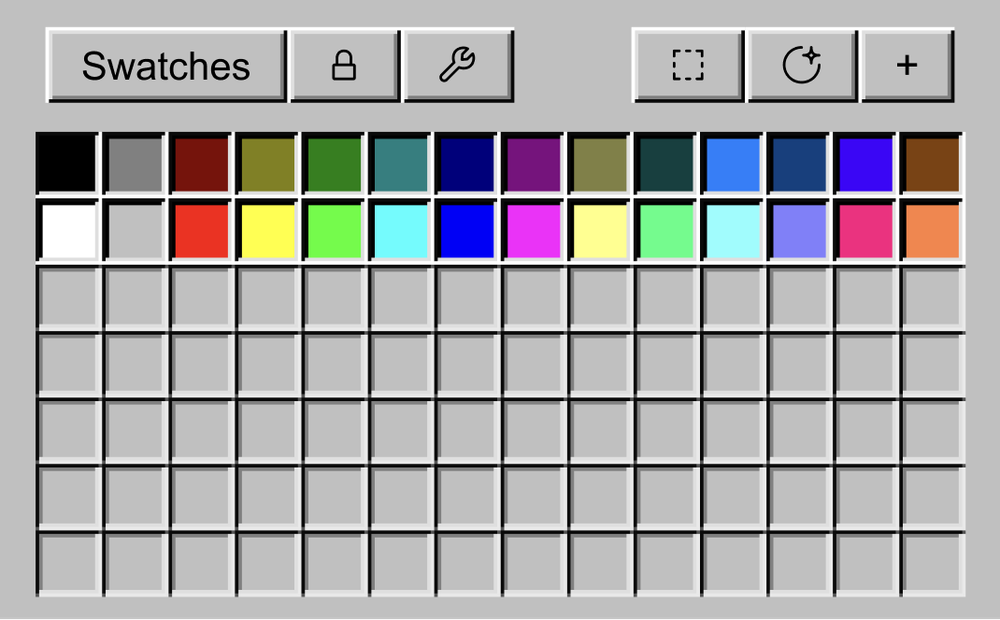
Inspired by the classic MS Paint experience, the new "Nostalgia" theme in Swatches throws you back straight to your childhood every time you open After Effects!
The '90s are so back!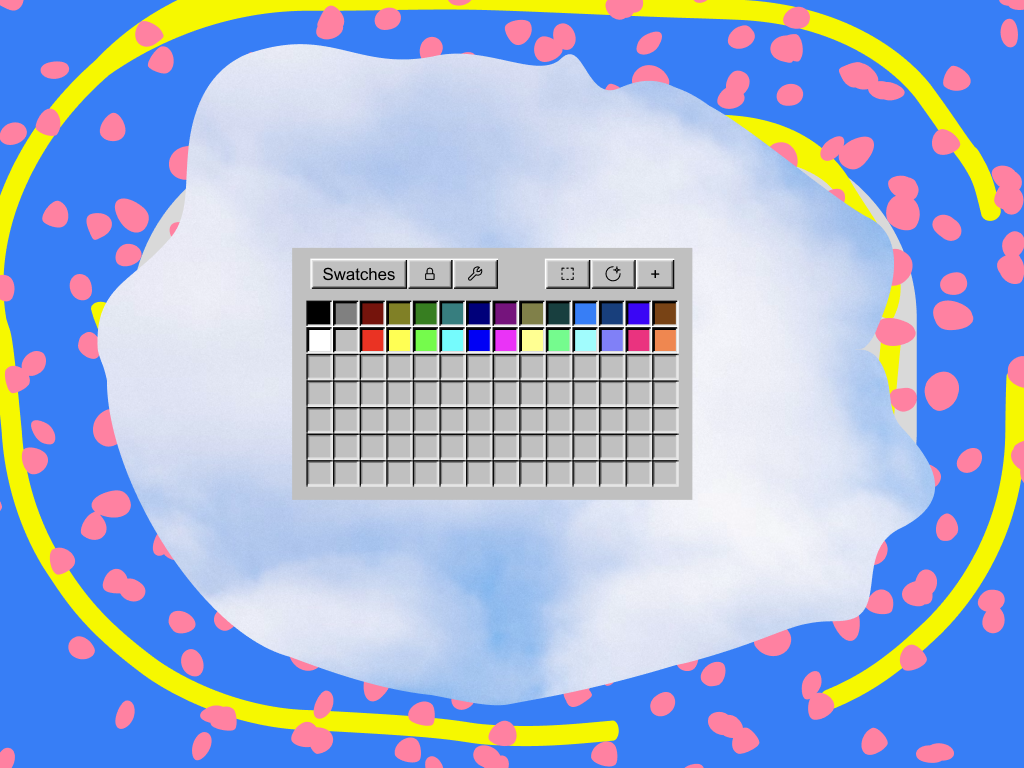

 Easy Ease
Inspired by the classic MS Paint experience, the new "Nostalgia" theme in Swatches throws you back straight to your childhood every time you open After Effects!
The '90s are so back!With coolors.co (the best palette generator online), you can quickly export a new idea as an ASE file and import it straight to Swatches.
Share a single swatch, a full board, or even your entire library in a click.
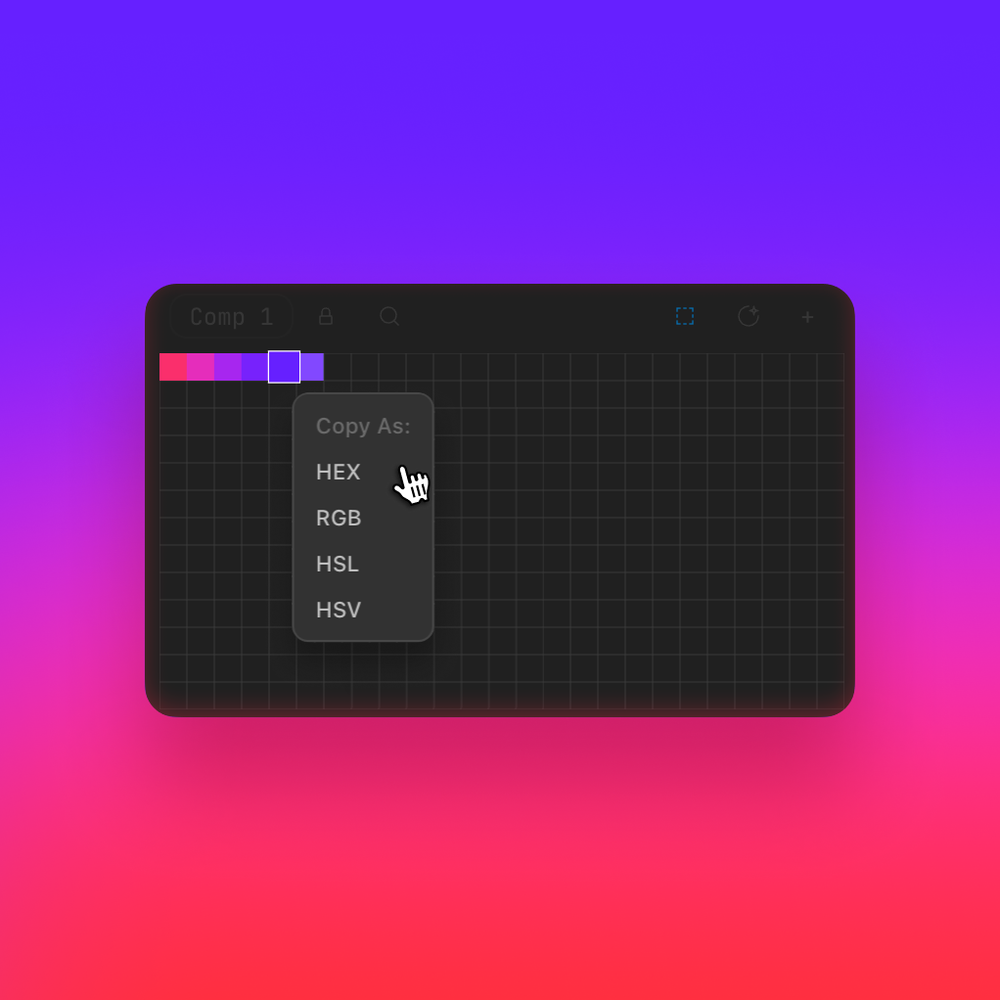
Copy swatches as HEX, RGB, HSL, or HSV for super quick exchange, or export as ASE / JSON files for long-term storage.
Your project managers, clients, and coworkers will love you and maybe even give you a small kiss on the forehead for thinking of them.
If you're not into that, please don't get this tool.
Also, I am not giving you a kiss on the forehead, so forget about that!
Lock the boards that are finished so they cannot be changed by accident. Perfect for brand colors and client-approved palettes.
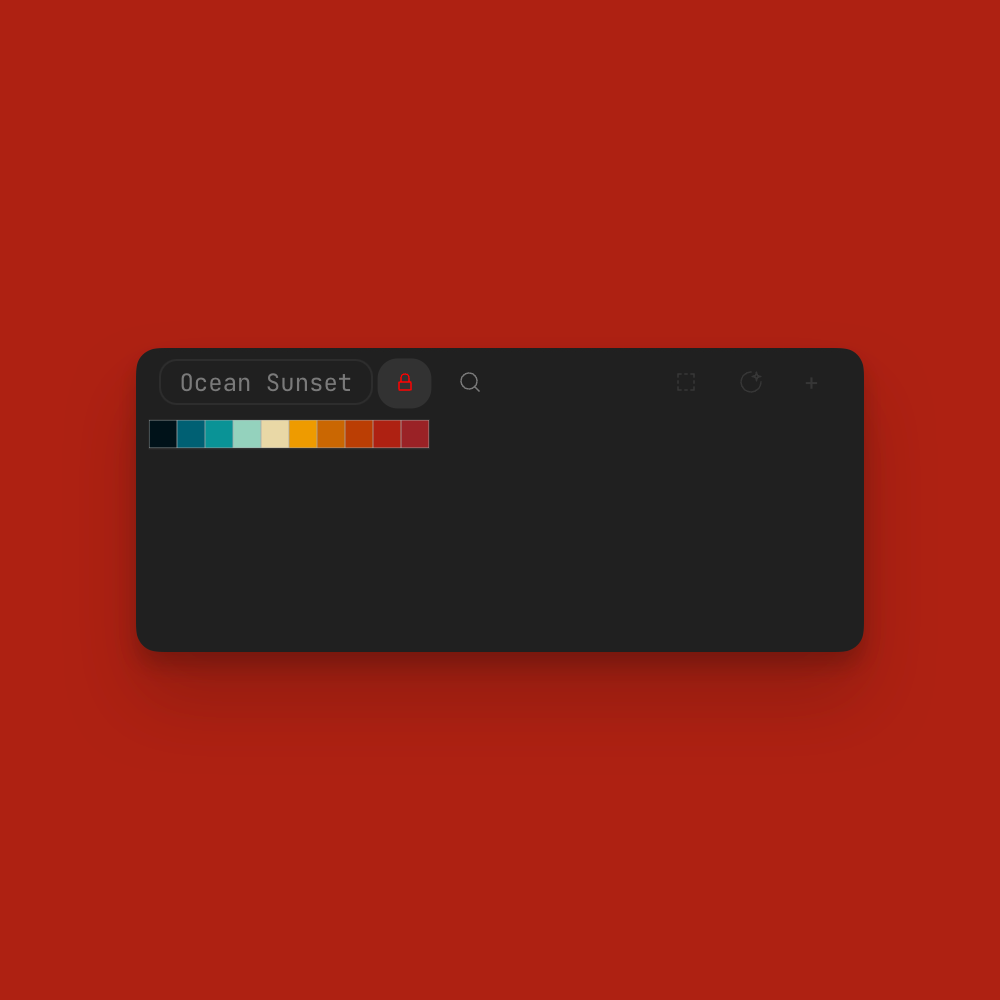
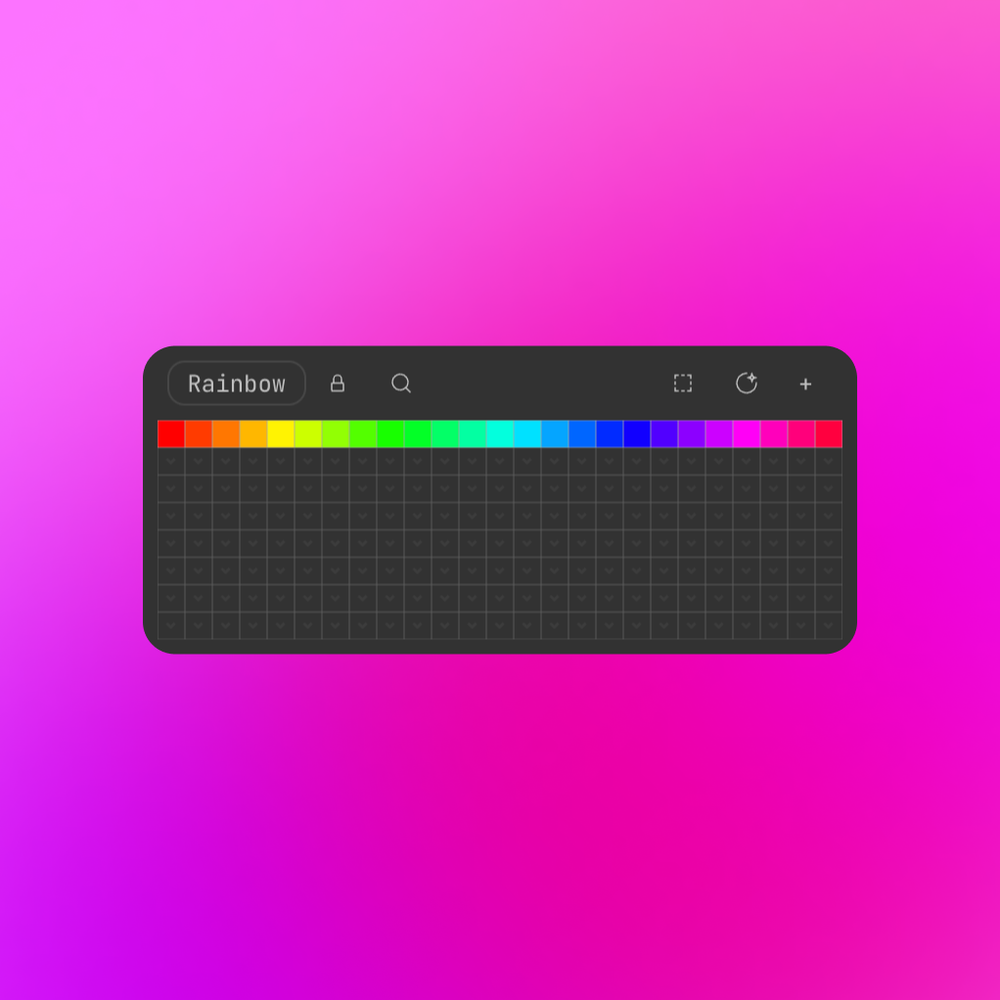
Build up a library of boards for different moods, projects, and clients. All of your boards are just a click away, so you can quickly choose what you're working on today.
Drag and drop existing swatches inside the panel to move them around, so you can, for example, always keep your primary colors closer to your mouse.
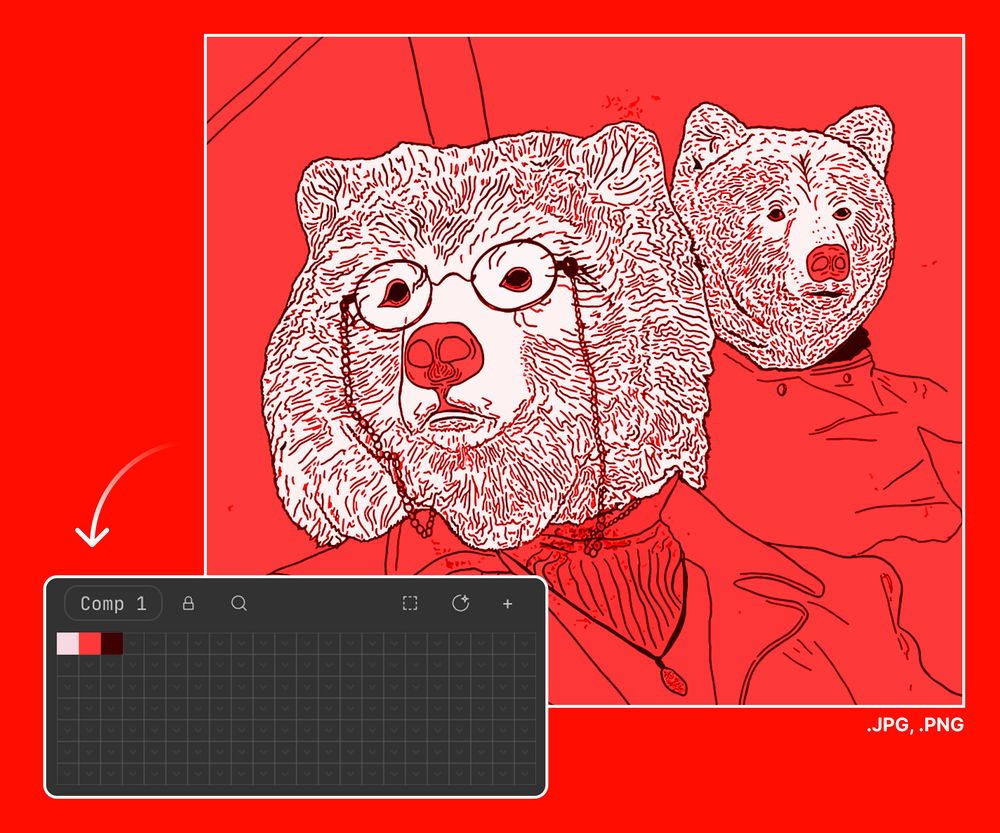
Drag and drop any image file into Swatches, and it will automatically extract the most prominent colors into your panel.
Swatches works perfectly with the new Parametric Meshes in After Effects 2026. You can quickly design and animate 3D scenes in all your favorite color palettes without having to jump to other 3D apps.
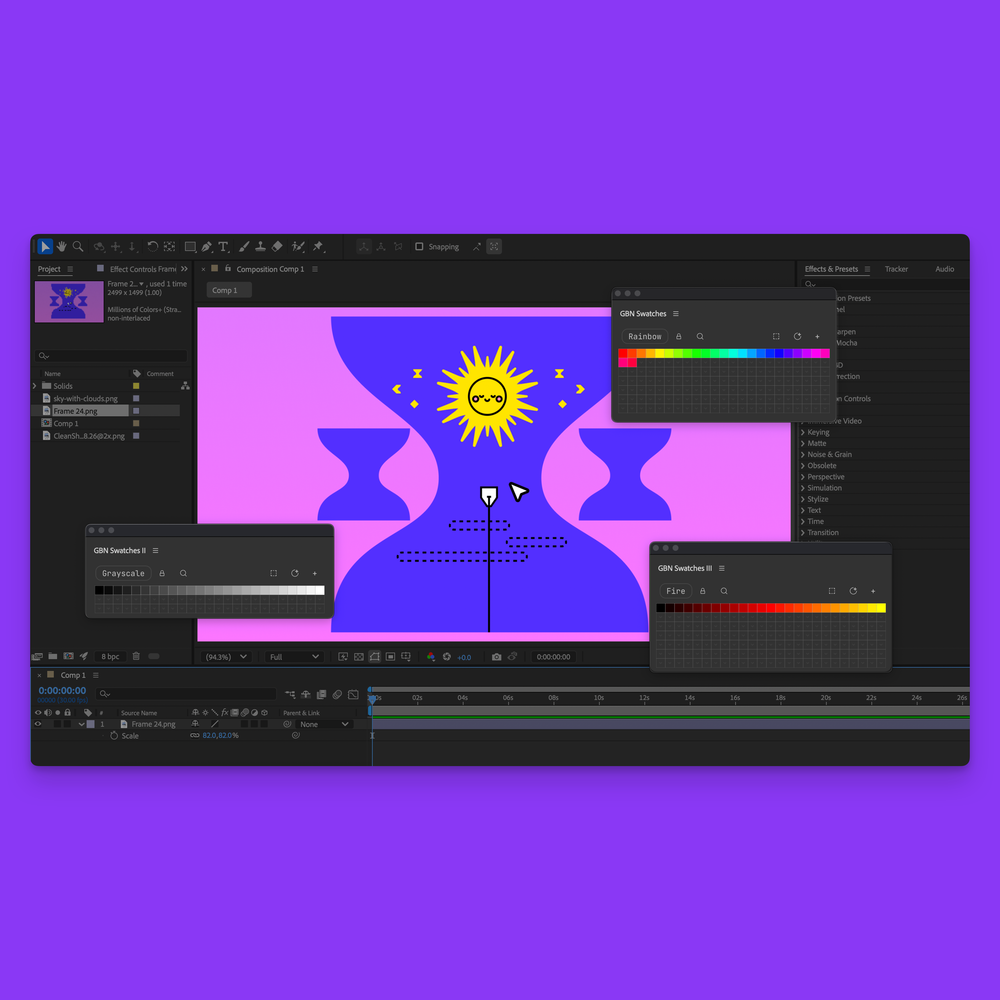
So you can display a different board inside each panel and keep your favorite palettes always visible while you work.
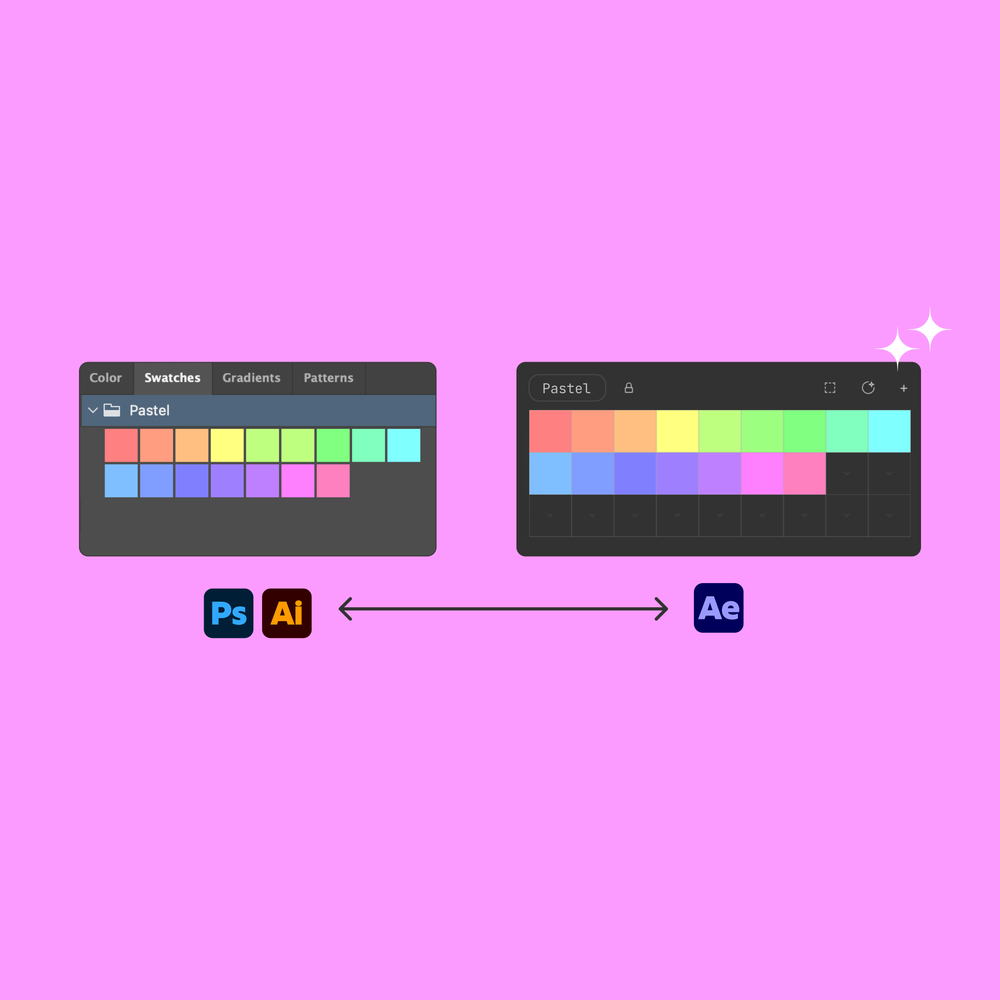
Just export swatches as a .ASE file and drop them into Swatches. Your colors will be imported automatically, ready to use in your projects.
Yes! Just select layers with multiple colors in your comp, then click on any empty swatch in the panel.
Definitely! Just click an empty swatch, but make sure nothing is selected in your comp. Then the color picker will open, allowing you to sample any color on your screen.
Yes!
You can export your entire library from Swatches as a .ASE or .JSON file, which you can later import back into the panel so you can always keep your colors safe.
Yes!
Just right-click any swatch and choose "Edit" from the context menu. Then the color picker will open, allowing you to change the swatch's color.
Yes, grandpa!
Swatches lets you set a custom grid size, so you can make swatches as large as you need. Since you can open up to 3 panels at once, each panel can have a different grid size, allowing you to have a mix of large and small swatches in your workspace.
.ASE stands for Adobe Swatch Exchange. It's a file format created by Adobe to allow users to easily share color swatches between different Adobe applications, such as Photoshop, Illustrator, and now After Effects. Many color palette websites also support exporting color palettes as .ASE files, making it easy to import them directly into Swatches.
Yes, you can dock the panel to the main window of After Effects.
Yes, the panel is responsive and adapts perfectly to your workspace.
Swatches is compatible with After Effects 24.0 (2024) and later.
 Developed by me, Good Boy Ninja. Thanks for supporting indie developers!
If you are still unsure about something, don't hesitate to ask!

Supported Apps: After Effects 24.0+
Type: zxp
You can quickly deactivate your license on one computer and activate it on another.
You will be able to download all future updates for free until the next major version.
If you buy a license today for version v.1.05,
you will be able to download all updates until v.1.99
Swatches is built upon Adobe's Extension Panel technology which allows for better UI and UX over traditional scripts. It will be available under Window > Extensions.
All tools, including Swatches, are designed
to help you be more productive and have more fun mixing art
with your job.
Learn More about Happiness
Buying Swatches supports an independent developer and helps me make more tools for you. Thank you for your support!
Previously purchased Swatches?
Visit the download page to get the
latest version.
Developed by me, Good Boy Ninja. Thanks for supporting indie developers!