Wiggle
For After Effects
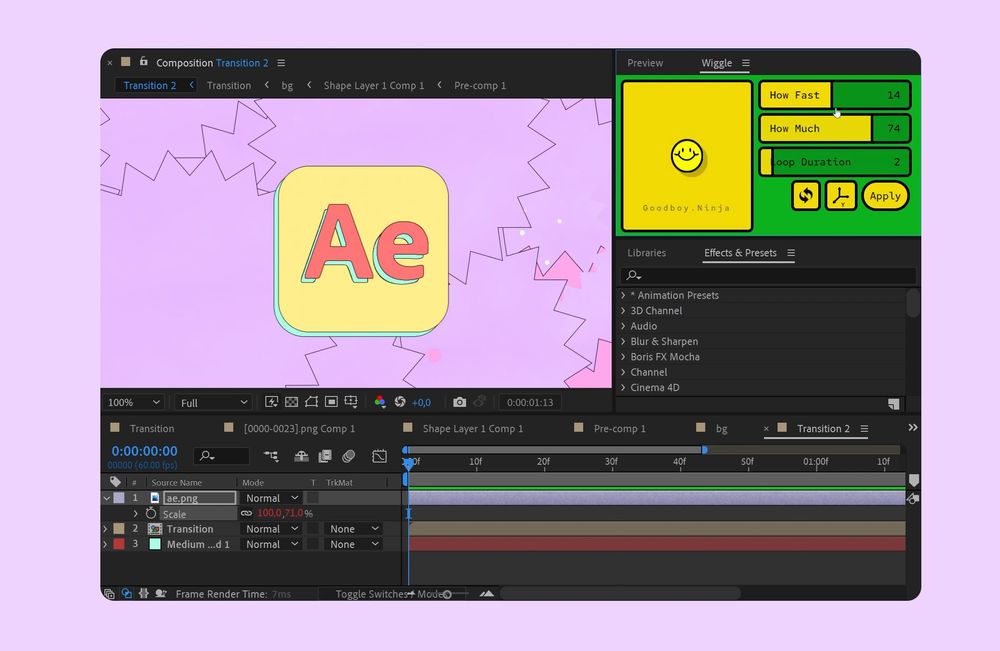
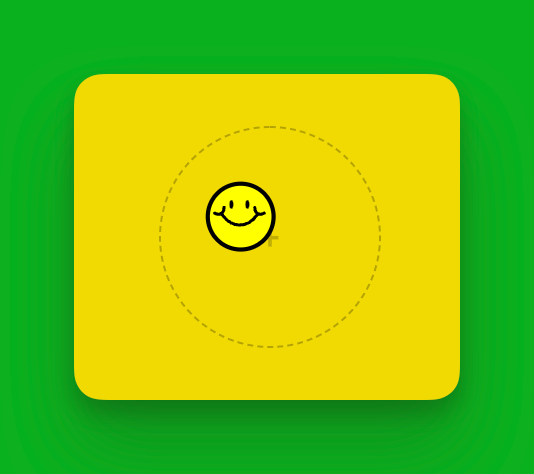
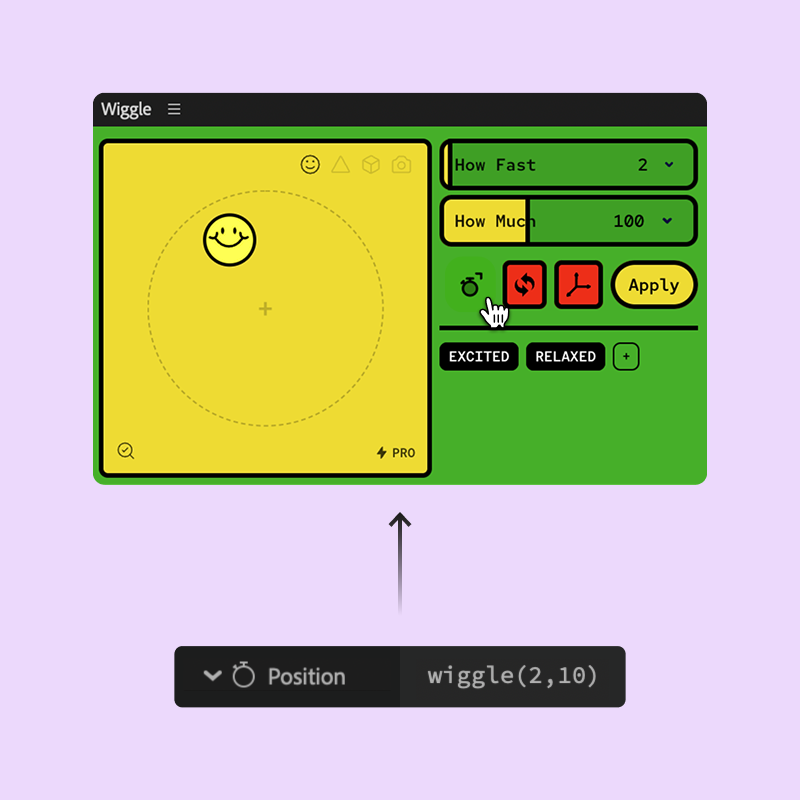
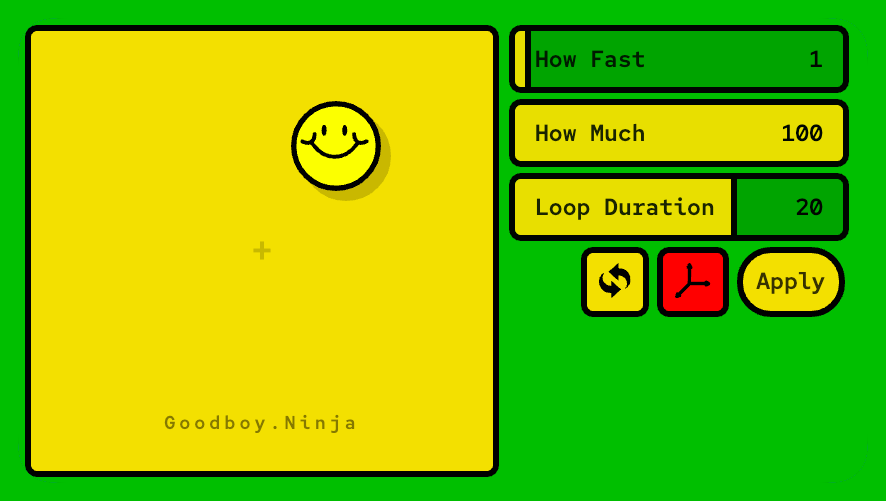
The no-code wiggle experience, now with looping wiggle! Use the live preview in the panel to set the values for "How Much" and "How Fast" you want to wiggle your layer, then simply click apply. If memorizing the obscure laws of the wiggle expression stands in your way, this tool is for you.
Next Product:  Noodle
Noodle
'%20xlink:href='%23a'/%3e%3cuse%20width='28.1'%20height='60.79'%20transform='translate(286.1%20133.5)'%20xlink:href='%23a'/%3e%3cg%3e%3cpath%20class='b'%20d='M374.6,231.5,366,243.2C332.5,289,288.5,312,244.5,312S156.6,289,123,243.2l-8.5-11.7'/%3e%3cpath%20class='b'%20d='M422.2,225.7l-4.4,2.2c-17.1,8.6-33,8.7-44.7,1.8s-19.4-20.8-20.2-40l-.2-4.9'/%3e%3cpath%20class='b'%20d='M63.4,225.7l4.3,2.2c16.9,8.6,32.6,8.7,44.2,1.8s19.1-20.8,19.9-40l.2-4.9'/%3e%3c/g%3e%3c/g%3e%3c/g%3e%3c/svg%3e)

Wiggle
Wiggle - Pro Edition
An expression-free workflow, just apply the wiggle from the panel
Live Preview for Position, Rotation, and Scale
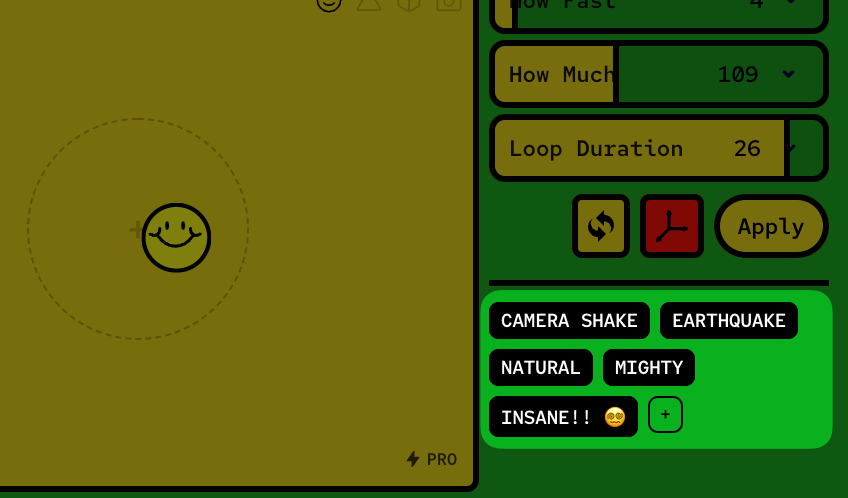
Looping Wiggle with custom duration
Wiggle on X, Y, and Z separately
Save Presets for later use
Custom Preview Emotes (.GIF/.JPG/.PNG)
Match Viewer Zoom Level
Match Comp Frame Rate
Load existing wiggle expressions into the panel
Quickly use comp's frame rate as the wiggle frequency
Quickly use comp's duration as the loop duration
Remove "Upgrade to Pro" Watermark


Ready?
Get Wiggle, and let's
bring joy back to motion design!
Technical Specs
Supported Apps: After Effects 18.4+
Type: zxp
14 money-back return policy
Every software license purchase is backed with a 14-day money-back guarantee.Items in the shop that are delivered as is (such as icons) are usually non refundable to avoid purchase theft by pirates (arrr!)
If you are unhappy with your purchase for any reason simply let me know Refund Policy
Beautiful Extension Panel
Wiggle is built upon Adobe's Extension Panel technology which allows for better UI and UX over traditional scripts. It will be available under Window > Extensions.
Made for happiness
All tools, including Wiggle, are designed
to help you be more productive and have more fun mixing art
with your job.
Learn More about Happiness
Indie Development
Buying Wiggle supports an independent developer and helps me make more tools for you. Thank you for your support!
The End User License Agreement and License Terms will help you clarify any questions you might have about your purchase.
🧘♂️ 🧘 🧘♀️
Indie Development
Buying Wiggle supports an independent developer and helps me make more tools for you. Thank you for your support! Developed by me, Good Boy Ninja. Thanks for supporting indie developers!